Direct Answer Summary: Yes, you can scan a document and then translate it. The usual process is: scan to a clear PDF or image, run OCR to convert it into editable text, then translate and proofread. For legal, immigration, or court use, machine translation is rarely sufficient. You usually need a professional translation, often with certification.
Scanning and translating sounds straightforward, but the details matter. This is especially true when the translated document must be accepted by the Home Office, a court, a solicitor, or another official body.
The key point is simple: translation quality depends heavily on scan quality. Most tools must “read” the page first using OCR (Optical Character Recognition). If OCR misreads the source, the translation can also be wrong.
This guide explains the simplest scan, OCR, and translation workflow. It also covers the best scan settings for OCR, what to do when scans are messy (stamps, signatures, handwriting), and how to get a legally usable translation in the UK. If you need help with legal or certified translations, you can explore Translatewiz services or go straight to place an order.
Can You Scan A Document And Then Translate It?
Yes. You can scan a paper document (or photograph it) and translate it into another language.
In practice, there are two common routes:
- Scan, OCR, then translate: This is usually the most accurate approach because OCR turns the image into selectable text. That makes it easier to translate and check properly.
- Scan, then translate “from the image”: Some apps do OCR in the background. However, the result can be harder to verify, especially for names, numbers, and legal formatting.
If the translation is for legal or official use, a scanned document is often acceptable as the source. However, the translation itself typically needs to be completed by a professional and may need certification.
For immigration contexts, check the expectations of UK Visas and Immigration (UKVI) and the specific application guidance you are following.
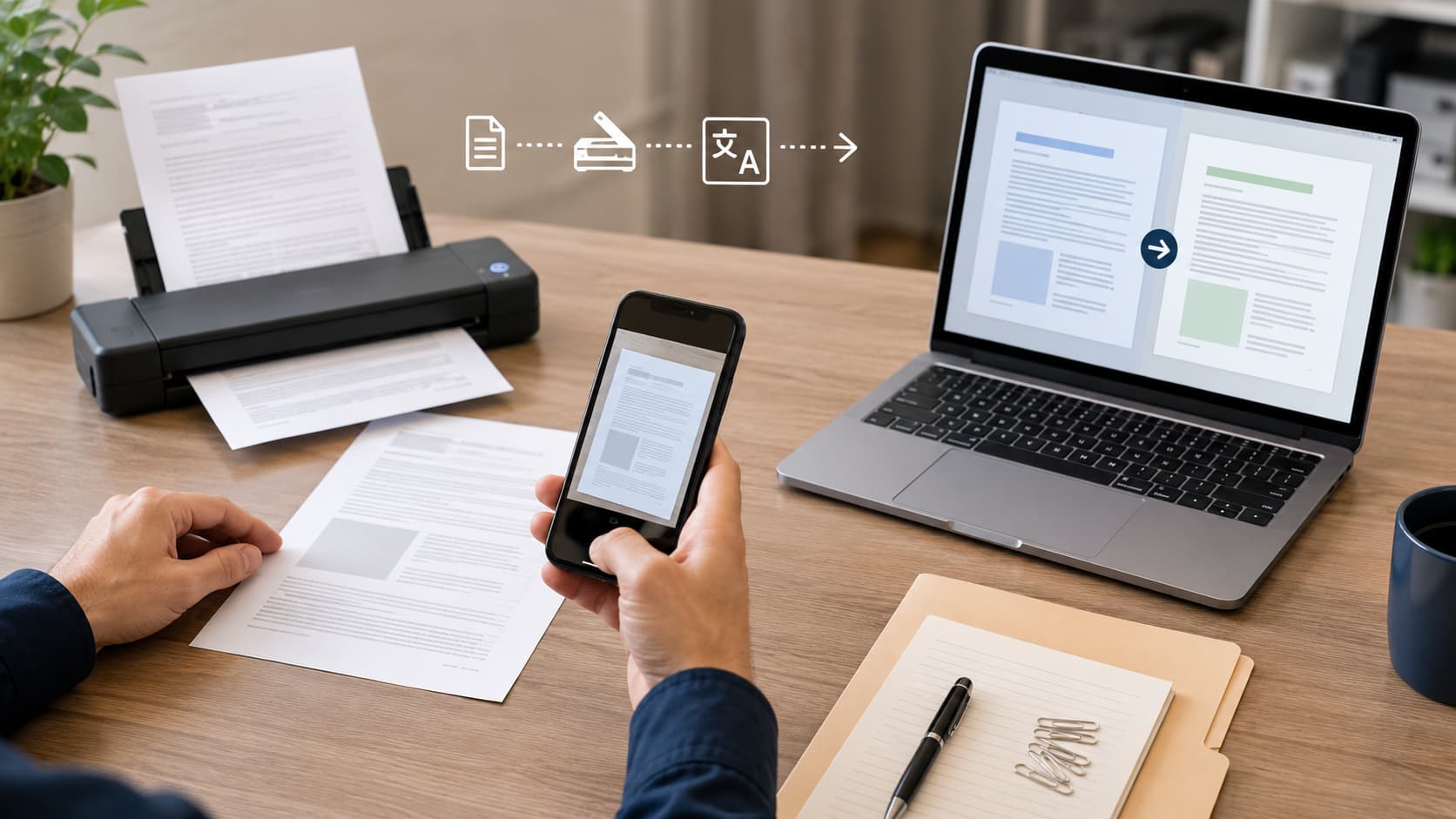
How Scanning, OCR And Translation Work (The Simplest Explanation)
Step 1: Scan To PDF Or Image
You capture the page as a digital file, usually a PDF, JPG, or PNG. At this stage, the content is still an image, even if it looks like a “PDF document”.
Key point: A scanned PDF is often just pictures of pages. That means you cannot reliably copy and paste the text yet.
Step 2: OCR (Image-To-Text) Extraction
OCR software analyses the shapes of letters and converts them into editable text. Good OCR can create a searchable PDF where you can select text and search for words.
Key point: OCR is where many errors begin. Stamps, skewed scans, unusual fonts, faint printing, and handwriting can all reduce accuracy.
Step 3: Translate, Review And Format
Once text is extracted, it can be translated by a machine translation tool or a professional translator. For legal use, best practice is:
- Translation: A qualified linguist translates with legal meaning in mind.
- Independent proofreading: A second pair of eyes checks accuracy, consistency, and omissions.
- Formatting: Page numbers, headings, clause numbering, tables, and exhibits are kept usable.
If you need legal-grade accuracy and formatting, start with legal translation and ask whether certified translation is required for your purpose.
Best Way To Scan For Accurate Translation (Quick Checklist)
If you want a fast, reliable result, aim for a scan that is clean, straight, complete, and high enough resolution for OCR.
- Scan every page: Include the back page, blank pages with stamps, and annexes.
- Keep it square: Straighten the page and avoid skew.
- Capture edges: Include margins where notes, references, or exhibit labels may appear.
- Avoid shadows and glare: Especially with photos, glossy paper, or laminated documents.
- Do a quick legibility check: Confirm names, dates, addresses, and reference numbers are readable.
Recommended Scan Settings: DPI, Colour Mode And File Format
These settings usually produce strong OCR output for most legal and official documents.
| Setting | Recommendation | Why It Matters For OCR And Translation |
|---|---|---|
| Resolution (DPI) | 300 DPI (minimum), 400 DPI (better for small text) | Higher DPI reduces misread letters, especially in small print, stamps, and footnotes. |
| Colour Mode | Greyscale for text, Colour if stamps or highlights matter | Colour can preserve meaning where a stamp or highlight indicates status or authenticity. |
| File Type | PDF for multi-page, PNG/JPG for single pages | PDF keeps pages together and is easier to reference in legal workflows. |
| Compression | Low compression where possible | Heavy compression causes artefacts that OCR can interpret as punctuation or letters. |
Handling Stamps, Signatures, Handwriting And Tables
Legal documents often contain elements that OCR finds difficult. You can still scan and translate them, but plan for extra care.
- Stamps and seals: Scan in colour where the stamp conveys official status or contains text that must be translated.
- Signatures: Usually not translated as text, but should be noted. For example: “Signature: [Name]” if the printed name is present.
- Handwriting: If it affects meaning (amendments, marginal notes), use a higher DPI and expect manual transcription.
- Tables: Ask for layout preservation so figures remain aligned with the correct headings.
What To Do If The Scan Is Blurry Or Incomplete
If OCR cannot read the document, translation accuracy drops quickly. Try these fixes:
- Re-scan at 300 to 400 DPI: Higher resolution often resolves unclear characters.
- Use a flatbed scanner if possible: It reduces distortion compared to phone photos.
- Improve lighting for photos: Use bright, even light and avoid shadows across the page.
- Capture missing parts: Re-scan any cropped margins, cut-off headings, and page numbers.
- Provide context: Share related pages that clarify unclear terms, headings, or repeated fields.
Your Translation Options: Machine Translation Vs Professional Translation
When Machine Translation May Be Acceptable (Low-Risk Use)
Machine translation can be useful when:
- You need quick understanding: For personal comprehension, not submission.
- The content is non-sensitive: For example, general informational leaflets.
- Formatting does not matter: When you do not need mirrored page layout or clause references.
Even then, machine translation can mishandle legal phrasing, names, and numbers. Treat it as a draft, not a final legal document.
Why Legal Documents Need Human Translation And QA
Legal documents require accuracy, consistency, and traceability. Common risk points include:
- Defined terms: A term may have a specific meaning that must stay consistent across the whole document.
- Numbers and dates: OCR can turn “0” into “O”, “1” into “I”, or swap day and month formats.
- Names and addresses: Small OCR mistakes can cause official mismatches.
- Jurisdictional wording: The best translation depends on the receiving country and authority.
For high-stakes work, choose a translator with relevant credentials and experience. In the UK, professional membership bodies such as the Institute of Translation and Interpreting (ITI) and the Chartered Institute of Linguists (CIOL) are useful reference points when assessing competence.
Translatewiz supports legal clients with translation plus quality checks and can advise on certification where needed. See Legal Translation for typical document types.
Need Help?
Struggling with official documents in another language?
Our certified translators can help. We provide UKVI-accepted certified translations with fast turnaround, delivered digitally or by post.
Call 033 0133 2482Legal Services: Will A Translated Scan Be Accepted?
Often yes, but acceptance depends on the receiving organisation and the purpose. Many authorities accept scans as source documents. However, they may require that the translation is complete, accurate, and formally certified.
Certified Translation: What It Is And When You Need It
A certified translation (in typical UK usage) is a translation with a signed statement from the translator or translation company. This statement confirms it is a true and accurate translation of the original document.
Certified translation commonly includes:
- Certification statement: Confirmation of accuracy and completeness.
- Translator or company details: Name, contact details, and credentials where applicable.
- Signature and date: Signed confirmation for traceability.
- Stamp (where applicable): Some providers include a company stamp as an added formality.
You are more likely to need certification for:
- Immigration applications: Supporting documents submitted to UKVI or related routes.
- Court proceedings: Evidence, exhibits, and case papers.
- Official registrations: Birth, marriage, death, and civil status documents.
If you are unsure, start here: Certified Translation, or ask a question via Translatewiz contact.
Common Legal/Official Use Cases (Immigration, Court, Contracts)
- Immigration: Passports, ID cards, bank statements, birth certificates, marriage certificates, and supporting letters, translated accurately for official review.
- Court: Witness statements, judgments, exhibits, and correspondence where clause and page references must remain clear.
- Contracts: Agreements, terms, appendices, and schedules where one mistranslated obligation can change meaning.
For UK immigration contexts, review the relevant section of UKVI guidance and your specific application requirements. Then match the translation format to what the caseworker or receiving body expects.
Keeping Formatting Consistent (Page Numbers, Headings, Exhibits)
Legal readability is not only about correct words. It is also about being able to reference the same content reliably.
Ask for formatting controls such as:
- Stable page numbering: So page citations stay meaningful.
- Clause and section mirroring: So “Clause 4.2” stays “Clause 4.2” in translation.
- Exhibit and annex labels: So attachments remain traceable.
- Notes for stamps and seals: For example: “Round stamp: [text]” where the stamp text is relevant.
Security And Privacy When Uploading Scanned Legal Documents
Scanned legal documents often include special category or highly sensitive personal data. Before uploading anything to an online tool or sending it by email, consider privacy and data protection.
GDPR Considerations And Minimising Data Exposure
In the UK, handling personal data is governed by data protection law, including UK GDPR and the Data Protection Act. Practical principles you can apply include:
- Purpose limitation: Share documents only for the specific translation need.
- Data minimisation: Share only the pages and fields necessary.
- Security: Use secure transfer methods and restrict access.
For official background, see Data protection guidance on GOV.UK and resources from the Information Commissioner’s Office (ICO).
For Translatewiz information handling, you can review the Privacy Policy and Terms of Service.
Redaction And Sharing Only What’s Necessary
If a document includes information that is not required for translation or submission, consider redacting it first. Examples include:
- Bank account numbers: Redact digits where they are not required.
- Irrelevant medical details: Remove content unrelated to the stated purpose.
- Third-party personal data: Remove unrelated names and contact details if not needed.
Important: Only redact information if it will not affect acceptance by the receiving authority. When in doubt, ask the requesting body what they expect.
Step-By-Step: How To Scan And Get A Legally Usable Translation
If your translation needs to stand up to scrutiny, follow this workflow.
What To Send Your Translator (Files, Context, Deadlines)
- Source file(s): Send the original scan as a PDF, plus any separate images.
- Purpose: Explain where it will be used, for example, UKVI, court, solicitor, or employer.
- Target language and variant: Specify if you need UK English, US English, or another variant.
- Reference spellings: Provide the correct spellings of names and addresses as they should appear.
- Deadline and urgency: Confirm whether same-day or standard turnaround is required.
- Formatting expectations: Request layout preservation if page and clause references matter.
To start quickly, use Translatewiz order. If you have questions about scan quality or certification, use Translatewiz contact.
Quality Checks To Request (Terminology, Names, Numbers, Dates)
For legal documents, request explicit checks such as:
- Names: Confirm all personal and company names match the source exactly.
- Numbers: Verify passport numbers, case numbers, and monetary amounts digit-by-digit.
- Dates: Confirm the correct date format and that no dates were misread by OCR.
- Consistency: Ensure defined terms and repeated phrases are translated the same way throughout.
- Completeness: Confirm stamps, seals, footnotes, and marginal notes are not omitted.
This is also a good time to ask whether you need certification, and what the certification pack will include.
Common Problems (And Fixes) When Translating Scanned Documents
OCR Errors: Names, Diacritics, Hyphenation And Line Breaks
Typical OCR issues include:
- Diacritics dropped: Accents and special characters can disappear, changing names and places.
- Hyphenation mistakes: Words split at line ends can rejoin incorrectly.
- Line break confusion: Paragraphs and headings can merge, affecting meaning.
- Look-alike characters: “S” and “5”, “O” and “0”, “l” and “1”.
Fixes that help:
- Work from the image as well as OCR text: Proofread against the scan, not only the extracted text.
- Increase scan resolution: Re-scan key pages if critical fields are unclear.
- Create a “must match” list: Names, addresses, and reference numbers that must be exact.
Non-Latin Scripts And Right-To-Left Languages
Languages such as Arabic, Hebrew, and some Asian scripts can be more sensitive to OCR quality and font variation.
- Use higher DPI: Small characters and diacritics need clarity.
- Preserve original script in notes where useful: This can reduce ambiguity for names and places.
- Expect manual checks: Even strong OCR may need a human to verify proper nouns and official terms.
Seals, Notary Text And Certification Statements
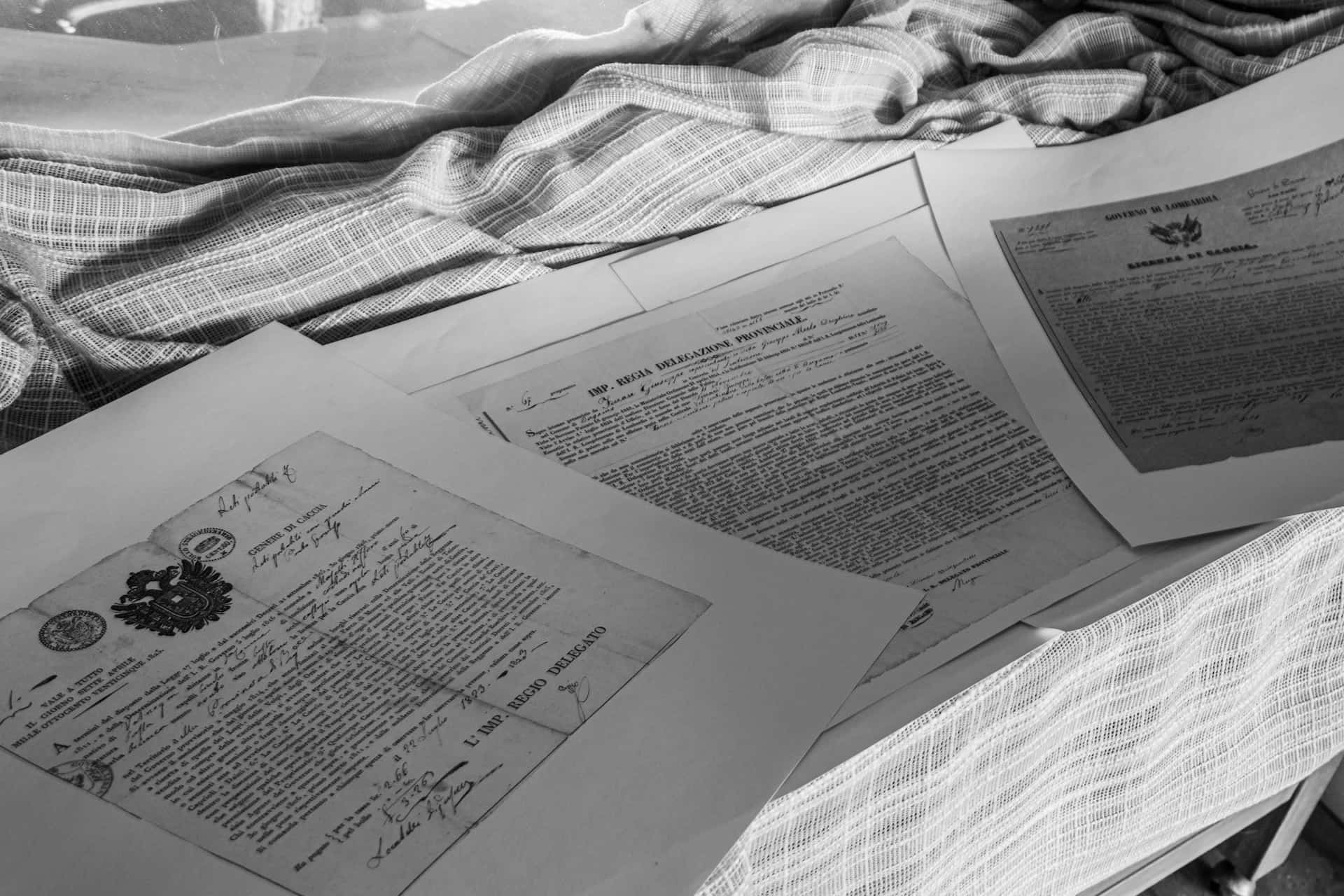
Notary statements, apostilles, seals, and certification language often contain formal phrasing and references that must be reproduced carefully.
- Do not ignore faint stamps: Scan in colour and consider higher DPI if the stamp carries text.
- Request clear labelling: For example: “Embossed seal present” or “Notary stamp text” if readable.
- Ask about certification requirements: Some receiving bodies want specific wording, so clarify before finalising.
FAQs
Can You Translate A Scanned PDF Without OCR?
You can, but it is rarely ideal. Without OCR, you are effectively translating from an image. This makes it easier to miss small details and harder to keep formatting consistent. For legal documents, OCR plus careful human checking is usually safer.
Is A Photo Of A Document Good Enough?
Sometimes. A clear, flat, well-lit photo can work, but photos often introduce perspective distortion, glare, and shadows. If you must use a phone:
- Photograph in bright, even light: Avoid overhead shadows.
- Keep the camera parallel: Reduce keystone distortion.
- Capture the full page: Include margins and page numbers.
How Long Does It Take And What Affects Cost?
Turnaround time and pricing depend on:
- Page count and word count: More content means more translation and checking time.
- Language pair: Availability of specialist legal linguists varies.
- Scan quality: Poor scans require more manual verification.
- Complex formatting: Tables, exhibits, and stamps increase layout work.
- Urgency: Same-day or weekend delivery may cost more.
For an accurate quote, share the scan and your deadline via Translatewiz.
Do You Need The Original Document Or Is A Scan Acceptable?
A scan is often acceptable as the source for translation, especially when originals cannot be shared. However, the receiving organisation may ask to see the original separately, or compare the translation to the original. If acceptance is critical, confirm requirements with the authority requesting the translation.
Fun Fact: OCR Is Nearly A Century Old
OCR technology is nearly a century old. Early versions helped machines recognise printed characters, and modern OCR still struggles with common legal document features like stamps, unusual fonts, skewed scans, and handwritten notes.
Conclusion
You can scan a document and translate it. However, for legal and official use, the safest route is: clean scan, OCR, professional translation, independent checks, and certification where required.
If you want a translation that is clear, consistent, and suitable for submission, Translatewiz can help with legal translation and certified translation. If you are ready, upload your document to get started, or contact the team with your questions.
Ready to get your documents translated?
Get an instant quote and have your certified translation delivered in as little as 24 hours. Accepted by UKVI, NARIC, courts and universities.